See the remote session and device record together
Agents can understand the support state, recent actions, and device context before opening the next step in the session.

Weke Desk
Review the workflows, controls, and day-to-day operating detail behind Weke Desk for device context, remote-session actions, support tasks, and follow-up handling.
Agents can understand the support state, recent actions, and device context before opening the next step in the session.
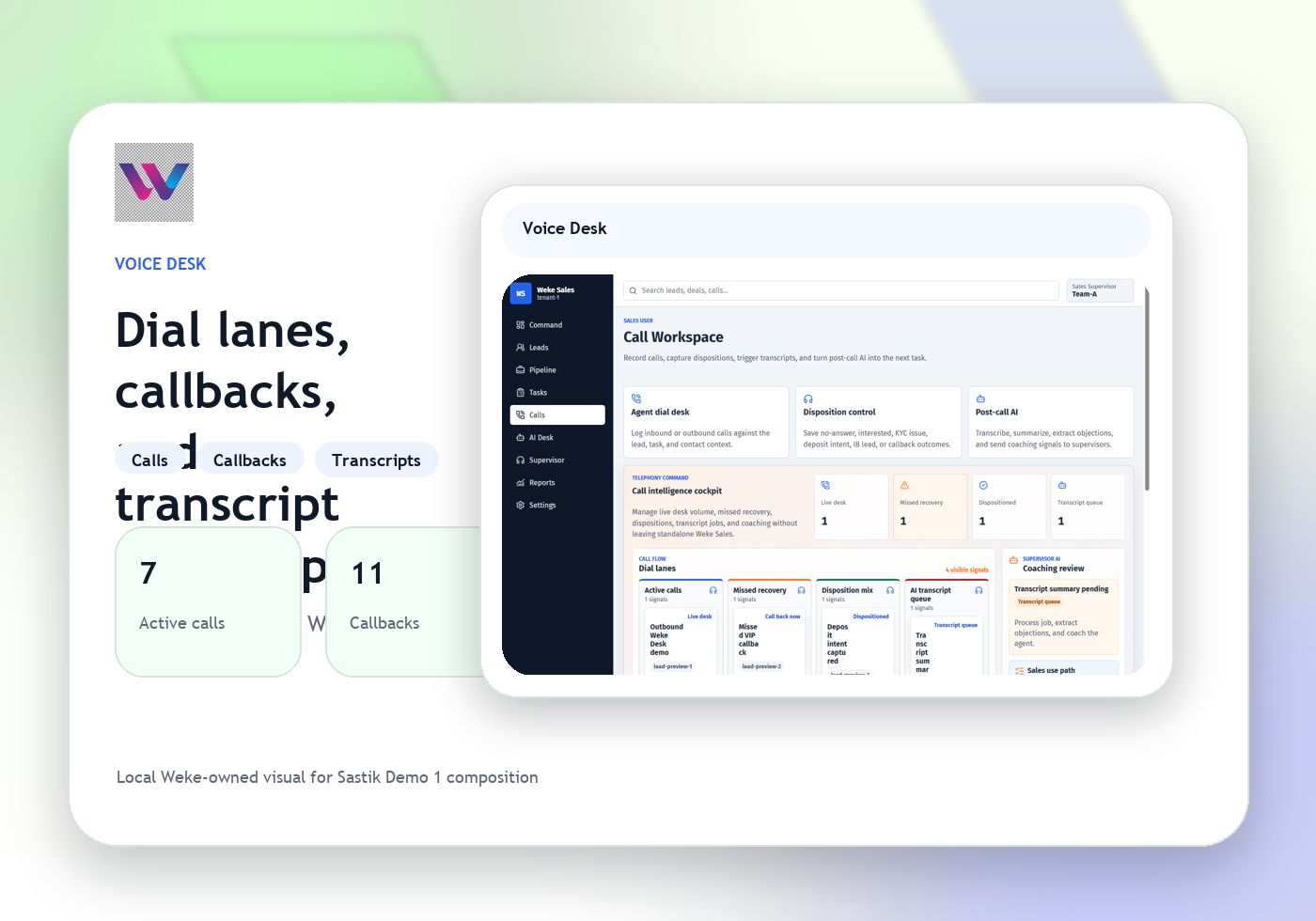
Desk ties notes, device actions, and callback or chat follow-up into one support record instead of scattering the case.
When a case needs another team, Desk sends the right support context into the correct Weke workflow.
Weke Desk
Contact Weke about Weke Desk for device context, remote-session actions, support tasks, and follow-up handling.
Contact Weke about Weke Desk for device context, remote-session actions, support tasks, and follow-up handling.
Review answers about Weke Desk, device context, remote-session actions, support tasks, and follow-up handling, and the Weke ID handoff.
Learn how Weke Desk handles device records, support actions, and remote-session history.
Review the terms that govern Weke Desk for desk access, support usage, and device handling rules.
Understand how Weke Desk protects device permissions, support controls, and remote-session access isolation.
Weke ID handles login and registration for Weke Desk and returns only to https://desk.wekedev.com/app.