
Weke Desk
Run remote support sessions with device context attached
Weke Desk gives support teams one place to review device actions, remote-session work, and follow-up tasks before the next customer touchpoint.
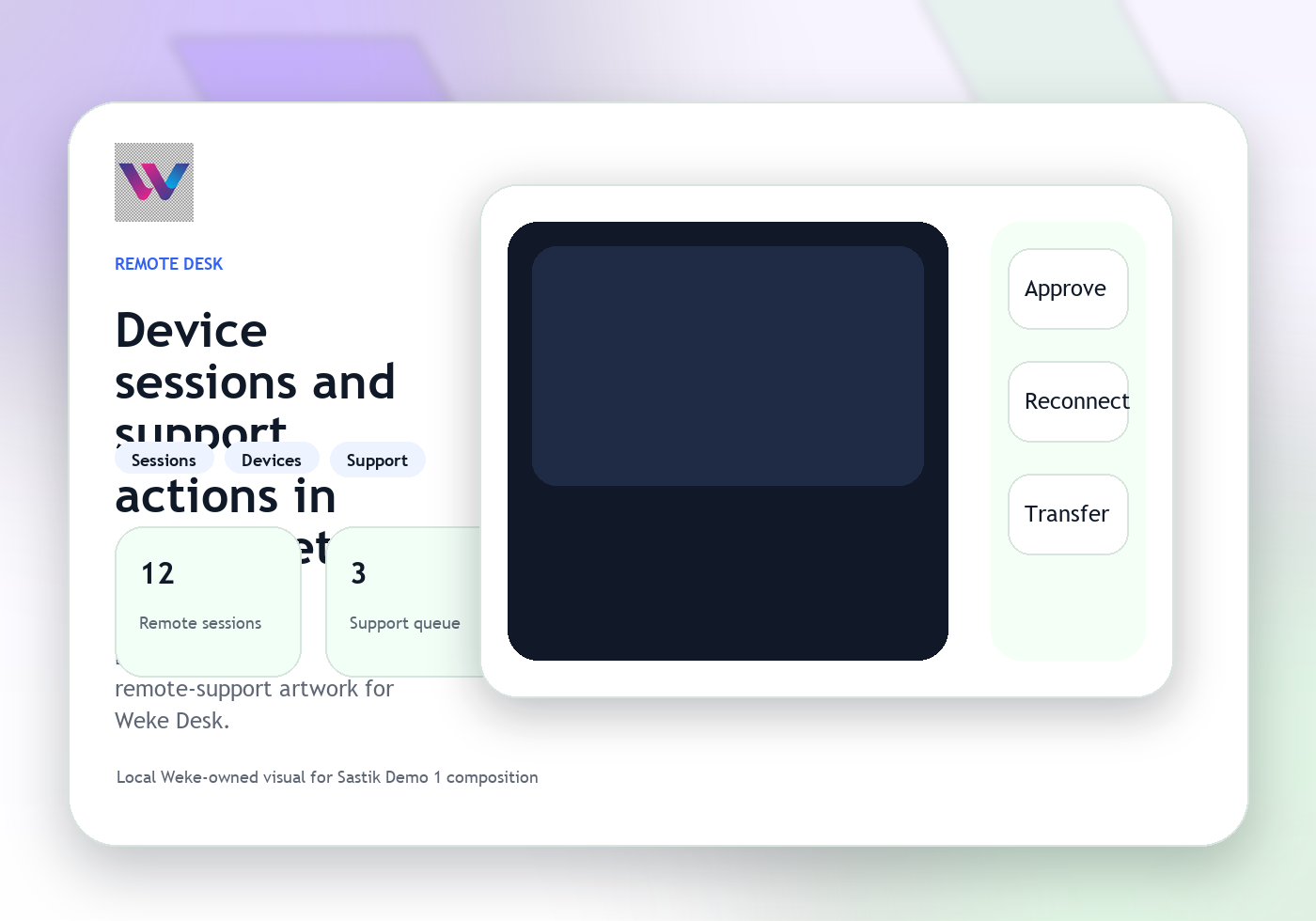
Keep support follow-up connected to what actually happened
Escalate into telephony, identity, or another service path
Weke Desk
Weke Desk Features
Review the workflows, controls, and day-to-day operating detail behind Weke Desk for device context, remote-session actions, support tasks, and follow-up handling.
See the remote session and device record together
Agents can understand the support state, recent actions, and device context before opening the next step in the session.
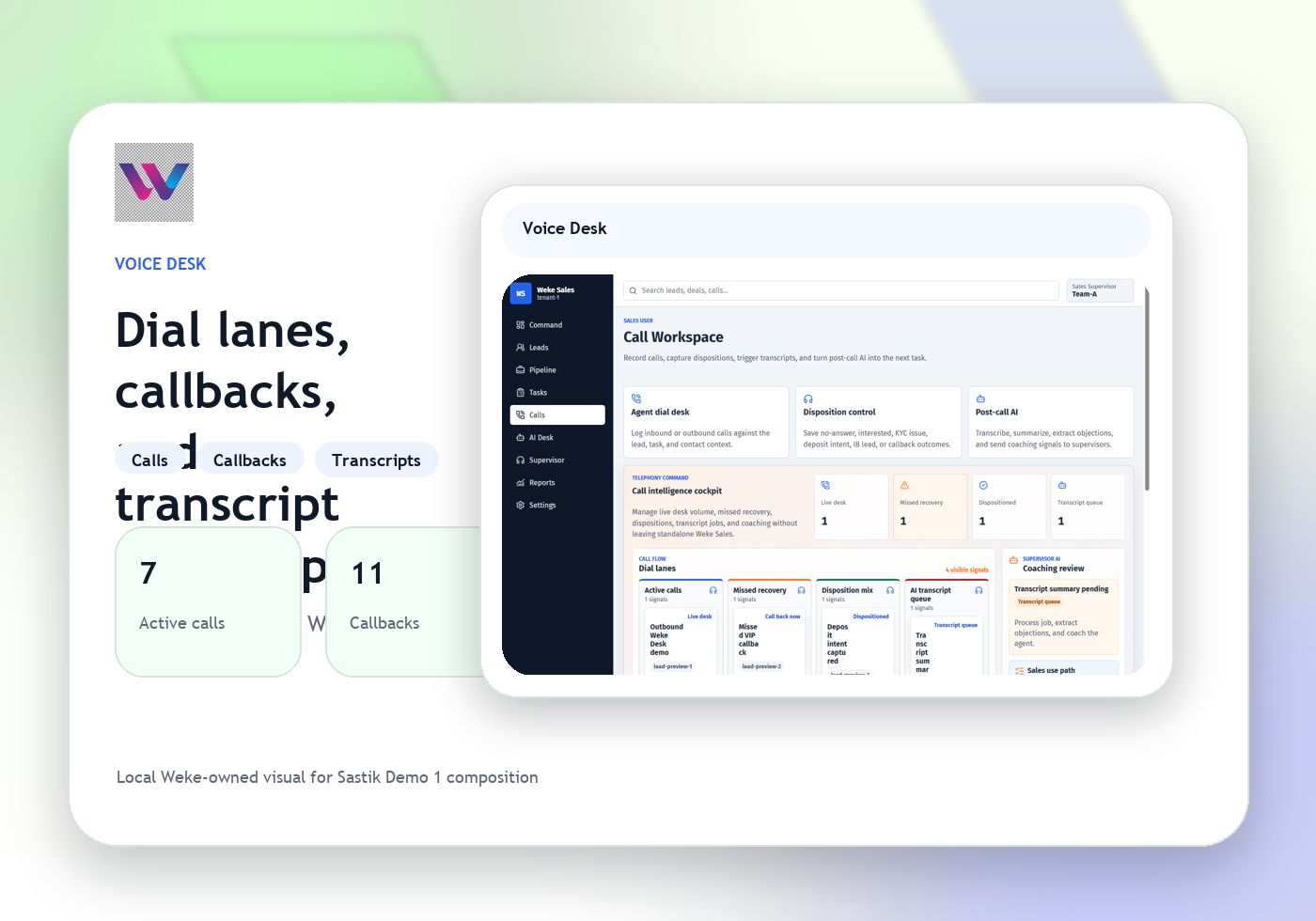
Keep support follow-up connected to what actually happened
Desk ties notes, device actions, and callback or chat follow-up into one support record instead of scattering the case.
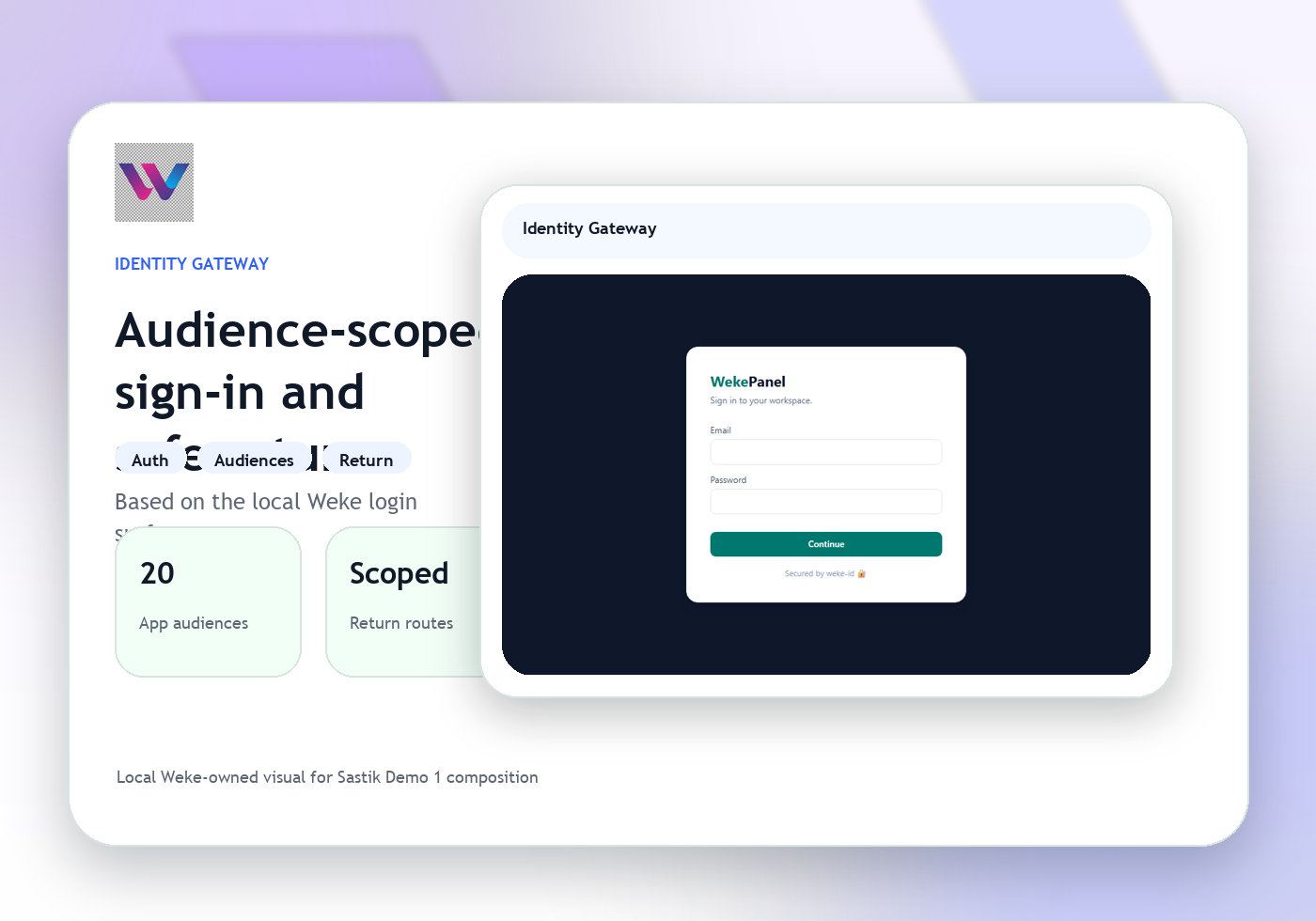
Escalate into telephony, identity, or another service path
When a case needs another team, Desk sends the right support context into the correct Weke workflow.
Weke Desk
Weke Desk Workflow
Follow the three operating steps that keep remote sessions, device actions, support follow-up, and assistance workflows moving.
Open the device and support context
Start with the customer, device state, session owner, and issue summary that define the case.
Check actions taken and what still blocks recovery
Agents inspect session notes, device operations, and unresolved steps before moving the case.
Route the next support action with context
The next move becomes a callback, identity step, or service escalation with the session history attached.
Run remote support sessions with device context attached
Weke ID handles login and registration for Weke Desk and returns only to https://desk.wekedev.com/app.